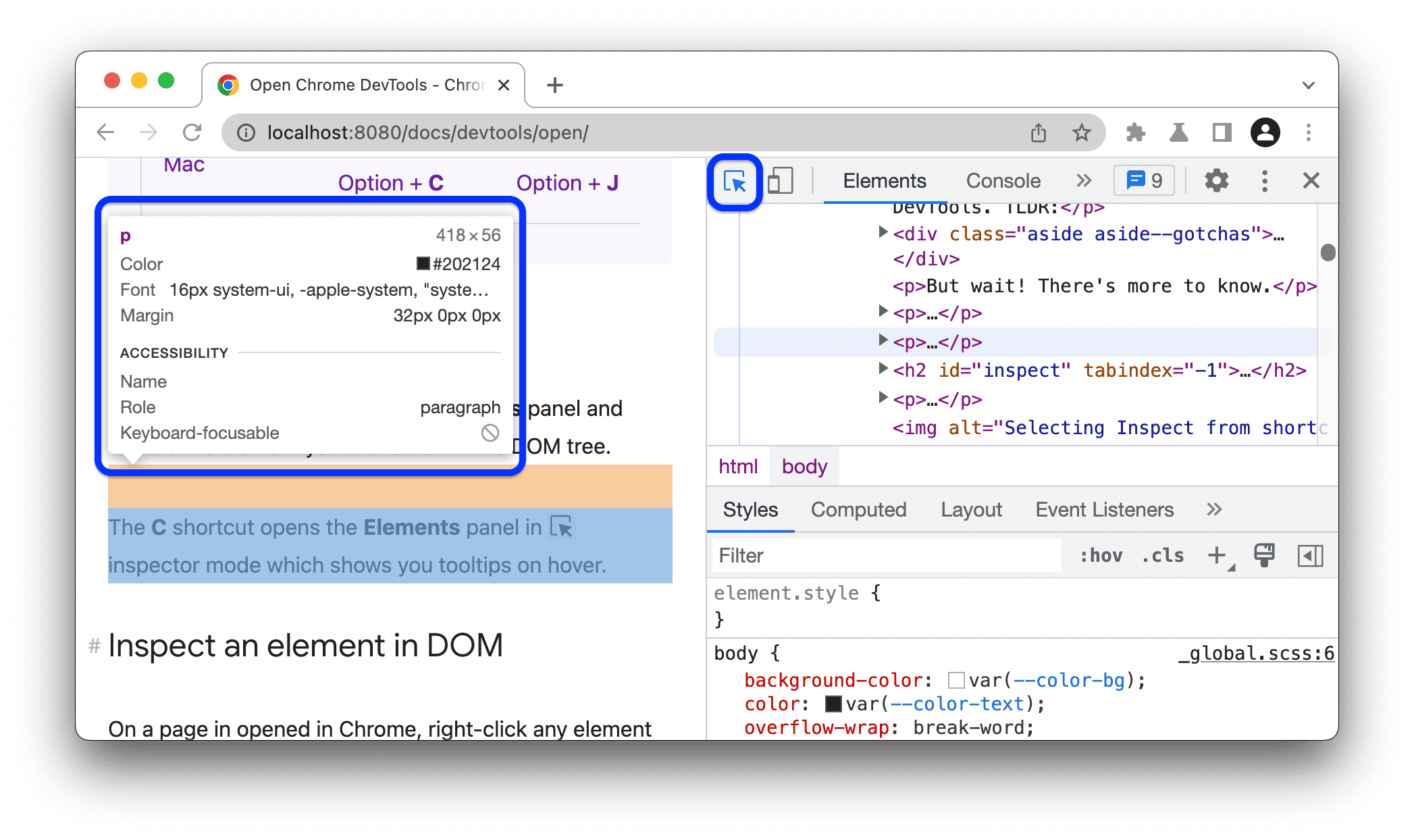
Many beginners believe that writing code is the hardest part of development, but understanding how code behaves in the browser is equally important. Browser Developer Tools provide visibility into how websites actually work. Over the years, I have relied on Dev Tools daily to diagnose and fix problems efficiently.
Dev Tools allow developers to inspect the structure of a webpage. You can view and modify HTML and CSS in real time, making it easier to understand layouts, spacing, and responsiveness. For beginners, this instant feedback helps connect theory with real results.
The JavaScript console is one of the most powerful features. It displays errors, warnings, and logs that explain what went wrong and where. Rather than guessing, developers can follow error messages and trace issues step by step. This builds logical thinking and problem-solving skills.
Dev Tools also include network and performance panels. These help developers understand how files load, how APIs respond, and why a page might be slow. Learning to use these tools early helps developers build faster and more reliable applications.
In modern web development, Dev Tools bridge the gap between writing code and delivering a smooth user experience. They transform debugging into a structured, learnable process.