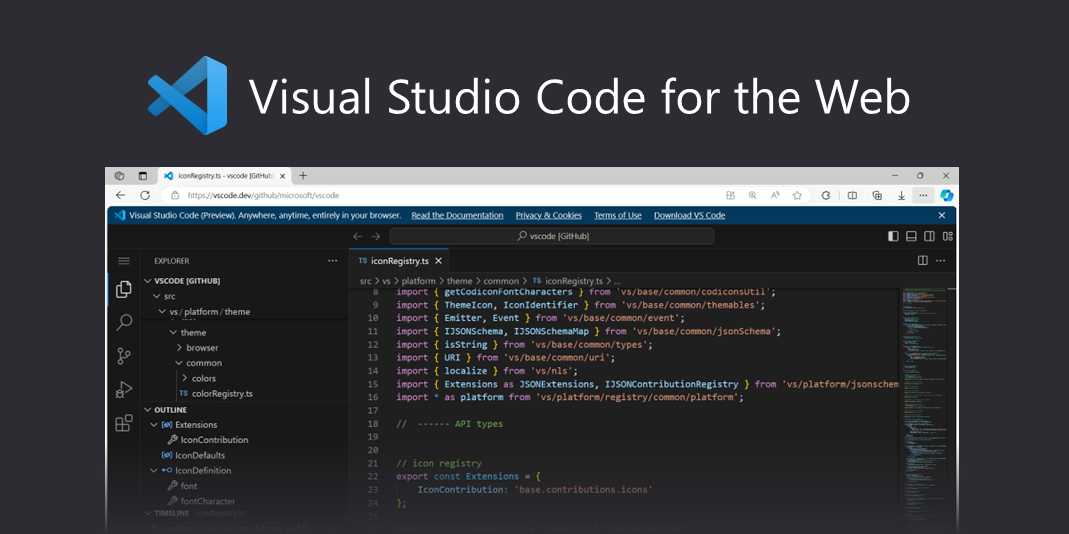
At a basic level, both VS Code and simple text editors allow you to write text. However, programming requires much more than typing words. VS Code is designed specifically to understand and assist with code. VS Code is built specifically for developers, while simple text editors are not.
VS Code provides syntax highlighting, which makes code easier to read. It also offers auto-completion, error detection, debugging tools, and integrated terminal support. These features reduce mental load and allow beginners to focus on logic rather than syntax mistakes.
A simple text editor lacks these features. While it may be useful for quick notes, it offers no guidance or feedback. Simple text editors lack awareness of programming languages. They provide no feedback, making debugging harder and slowing learning. Over time, this slows learning and increases frustration.
For beginners, VS Code acts almost like a mentor, gently pointing out mistakes and suggesting improvements. From experience, using VS Code accelerates learning and productivity. It acts as a guide, helping beginners write cleaner and more accurate code. That support makes a huge difference in confidence and progress.