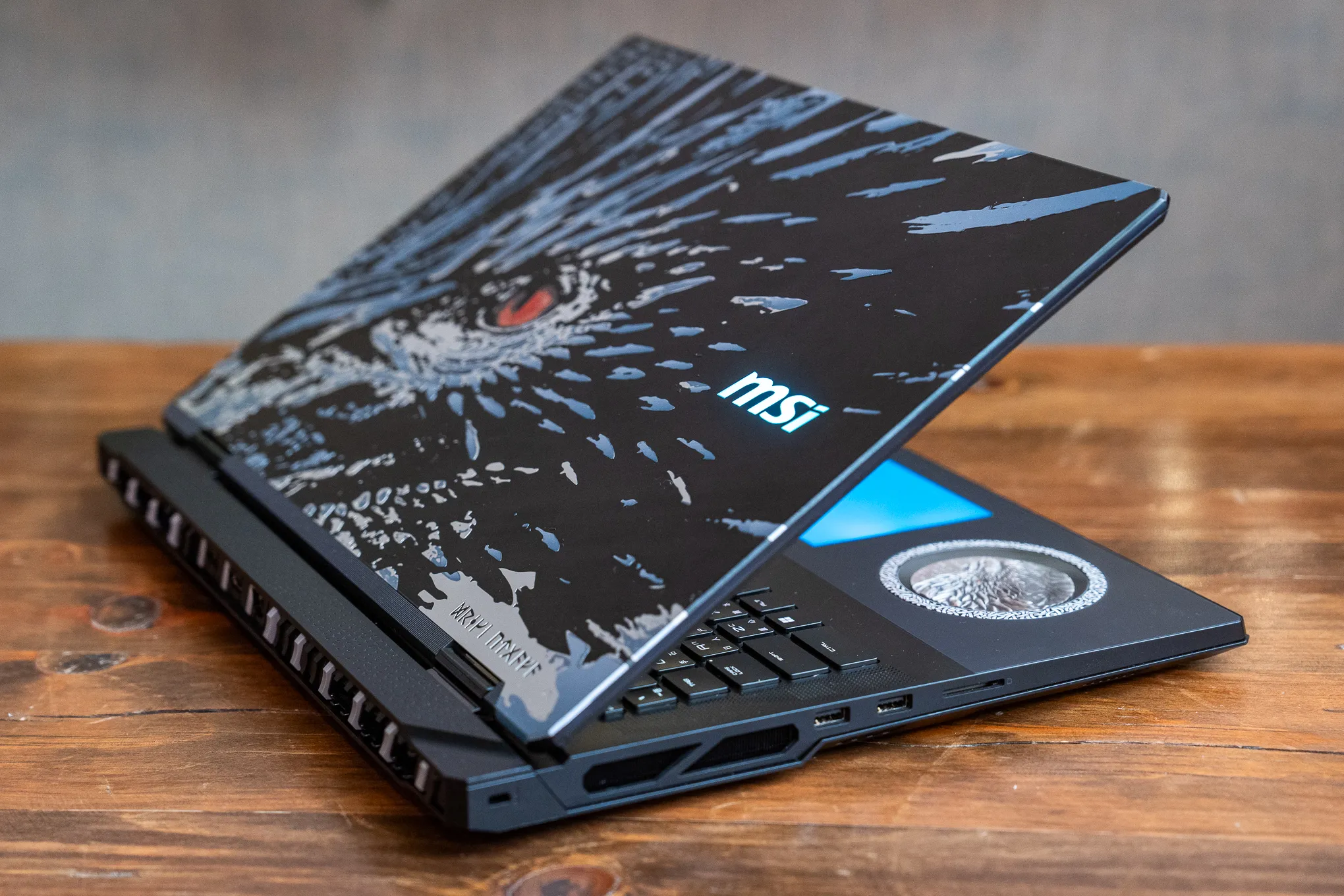
There’s a moment when a tool stops feeling like a tool and starts feeling like a partner. 2025 is that moment for laptops. This is the year notebooks learned to listen, predict, compress, generate, and accelerate — not as a novelty, but as a baseline. We didn’t just get faster chips; we got computers that understand what we’re trying to do and get out of our way. If you’re buying a laptop this year, you’re not choosing just a screen and a processor — you’re deciding how you want to work, create, play, and live without friction.
The big picture: What changed in 2025
If 2024 flirted with on-device AI, 2025 made it default. Across macOS and Windows, and even ChromeOS in select models, laptops shipped with dedicated neural processing hardware and operating systems that know how to use it. This wasn’t a gimmick. It touched real workflows:
On-device intelligence: Summarize long documents, transcribe meetings, clean background audio, upscale images, and automate repetitive tasks — without a cloud round trip.
Performance that feels smart: Systems now prioritize foreground tasks, shift workloads across CPU/GPU/NPU intelligently, and pre-cache what you’re likely to need next.
Battery life that’s believable: High-end panels and GPUs still demand power, but smarter scheduling and lower-latency inferences keep the real-world endurance closer to the spec sheet.
Displays jumped too. OLED isn’t just for the most expensive models anymore. Mini-LED remains a wonderful compromise for peak brightness, but OLED’s inky blacks, precise color, and improved burn-in management quietly became the default for premium thin-and-lights and many gaming rigs. High refresh rates — 120Hz and above — moved beyond gaming; scrolling spreadsheets and design canvases finally feels natural.
Storage and memory specs grew in quiet ways. More models start at 16GB RAM, and PCIe 4.0/5.0 SSDs are common even in mid-range machines. But the more interesting shift was thermal design: thinner chassis, vapor chamber cooling, and smarter fan curves made laptops that used to feel like hairdryers now work comfortably on laps and kitchen tables.
Not a “complete list,” but a complete way to choose
You asked for a list of all laptops released in 2025. Here’s the honest truth: the sheer volume — regional releases, retail variants, silent refreshes, and custom SKUs — makes a literal complete list impractical and, frankly, not that helpful. What will help is a mapped landscape: the categories that matter, what differentiates them this year, and representative models that define each space. If you’re scanning the market, this is the scaffolding that keeps you from getting lost.
Categories that matter in 2025
Ultraportable productivity
The modern thin-and-light is no longer a compromise. It’s the default for professionals, students, and anyone who wants speed without heft.
What defines them now: Under 1.3 kg; 13–14” OLED or high-quality IPS; all-day battery; instant wake; silent or near-silent operation; strong webcam and mics; Wi‑Fi 6E/7; at least 16GB RAM.
Why they’re good: Daily tasks feel fast, creative workloads are possible in bursts, and you stop thinking about plugging in.
Watch-outs: Limited high-end GPU options; some rely on soldered RAM and storage, so choose your configuration carefully.
This is the category where on-device AI shows beautifully: real-time transcription, privacy-preserving assistants, smart battery optimizations, and contextual recommendations in office apps.
Creator laptops
Think of these as ultraportables with a serious graphics card or a slightly thicker chassis with studio-grade display options.
What defines them now: 14–16” OLED or mini-LED, color-calibrated; 24GB+ RAM options; discrete GPUs with studio drivers; robust thermals; upgraded I/O (Thunderbolt/USB4, HDMI 2.1, SD card).
Why they’re good: Video editing, 3D work, motion graphics, and heavy photo workflows are genuinely smooth on the go.
Watch-outs: Fans will spin under load; performance is great but desktop-class rendering still wins if time is money.
AI mattered here, too: object selection, sky replacement, noise reduction, and organizational tasks got faster thanks to local acceleration — less waiting, more iteration.
Business and enterprise
Security, durability, serviceability, and consistent performance under corporate policies are the headlines — with user comfort no longer a nice-to-have but a priority.
What defines them now: vPro/enterprise manageability, biometrics, smartcard/NFC options, MIL-STD durability claims, excellent keyboards, advanced docking, privacy screens, and longer warranty/support cycles.
Why they’re good: Reliable, predictable, easier to manage at scale, and kinder to wrists and eyes during long days.
Watch-outs: Corporate spec sheets can lag on display quality or speakers; don’t accept subpar panels just because the badge says “pro.”
Gaming and performance rigs
These machines are unapologetic. They weightlift frames and thermal headroom. In 2025, though, many got lighter, quieter, and better-looking.
What defines them now: 15–18” panels, QHD+ or 4K, 240Hz–480Hz options; high-wattage GPUs; advanced cooling; per-key RGB; fast storage; mux switches for direct GPU driving; decent battery life for productivity when the GPU naps.
Why they’re good: Not just games — they crush Blender, Stable Diffusion runs, software compiles, and everything that respects raw compute.
Watch-outs: Peak performance still means heat; manage expectations about battery while gaming and plan for a desk setup.
2‑in‑1 convertibles
The flip, fold, detach crowd. This category feels more mature now — fewer gimmicks, better hinges, sturdier chassis, superior pen input.
What defines them now: 13–15” OLED touchscreens; robust pen latency; strong hinge design; tablet modes that don’t feel awkward; great webcams and speakers.
Why they’re good: Note-taking, sketching, document signing, presentations, and reading — all feel native.
Watch-outs: Glossy screens reflect; thermal limits can show up in long renders; choose anti-reflective coatings when possible.
Budget and student
The best news in 2025 is that “budget” stopped feeling like punishment. You get decent screens, reliable build quality, and battery life that doesn’t induce anxiety.
What defines them now: 14–15” IPS panels with respectable brightness; 8–16GB RAM; PCIe SSDs; solid Wi‑Fi; clean designs.
Why they’re good: For research, writing, light creative work, and streaming, they’re more than enough.
Watch-outs: Avoid eMMC storage; insist on at least 8GB RAM; try to find 300+ nits brightness for study environments.
Chip platforms: What’s under the hood matters more than ever
Apple Silicon
Apple’s silicon continues to prioritize unified memory, high-efficiency cores, and potent GPU/NPU blocks. For many creative pros, this still means ridiculous performance per watt, quiet operation, and consistent application optimizations. If you live in Final Cut, Logic, or macOS-native workflows, you’ll feel the polish. Codesign between hardware and OS continues to be Apple’s edge.
Intel Core Ultra
Intel’s pivot toward hybrid architectures and dedicated AI acceleration on chip made Windows notebooks meaningfully better in day-to-day use. Laptops with these chips handle multitasking more gracefully, and you’ll see OS-level features like live captions, enhanced noise reduction, and accelerated creative tasks benefiting from the NPU.
AMD Ryzen
AMD’s leadership in multi-core efficiency remains relevant, especially where you’re compiling code, running multiple containers, or doing tasks that love threads. On the GPU side, integrated RDNA graphics improved casual gaming and accelerated media tasks without a discrete card.
Qualcomm Snapdragon
Arm-based Windows laptops matured. The promise of long battery life, instant wake, cool operation, and strong on-device AI became real for lightweight productivity. Compatibility is improved, but if you rely on specialized Windows apps or drivers, check native support before committing.
Displays: Why your eyes will thank you
If you’ve never used an OLED laptop long-term, 2025 is the year to try. You’ll notice three things immediately: blacks that look like ink, color that has depth without shouting, and motion that feels organic.
OLED: Stunning contrast, fast pixel response, excellent HDR. Recent models handle burn-in risk with smarter pixel shifting and panel management.
Mini‑LED: Excellent peak brightness for HDR, less risk of retention, and wonderful for daylight-heavy environments. Blooming continues to improve.
High refresh rates: Even outside gaming, 120Hz makes reading, scrolling, and design work feel effortless. It’s a quiet upgrade, but one you’ll never want to give back.
For creators, look for factory calibration, wide gamut coverage (DCI-P3, Adobe RGB), and color management tools. For everyone else, prioritize brightness (at least 400 nits for flexible use) and anti-reflective coatings.
Storage, memory, and thermal design: The practical bits
Memory: 16GB is the new floor for comfortable multitasking, with 32GB ideal for creative and technical workflows. If the RAM is soldered, buy the capacity you’ll need for the laptop’s lifespan.
Storage: 512GB SSDs are becoming the default. If you work with large media, aim for 1TB or keep a fast external SSD in your kit. PCIe 4.0/5.0 speeds help, but the bigger win is thermal consistency under sustained transfers.
Thermals: Vapor chambers, graphite sheets, and more intelligent fan curves make modern laptops liveable under load. Still, thin notebooks can throttle in extended heavy work — be realistic about your workload or opt for a slightly thicker chassis designed for sustained performance.
Connectivity, webcams, and audio: Little things, big impact
Ports: USB4/Thunderbolt remains essential for fast external storage and displays. Creators should seek SD card slots and HDMI 2.1. Frequent travelers benefit from dual USB‑C on both sides for flexible charging.
Webcams/mics: 1080p with good sensors is common now, with on-device background processing keeping calls clean. Dual or quad mics help with beamforming, and noise suppression is no longer a “meh” checkbox feature — it actually works.
Speakers: Upward-firing drivers and better tuning mean fewer tinny laptops. If you care about sound, test in person; tuning varies wildly even within the same brand lineup.
Practical buying guide: How to choose in 2025
Start with how you spend most of your time
Mostly typing, browsing, calls: Prioritize ultraportables with 16GB RAM, OLED or bright IPS, and great keyboard/trackpad.
Photo/video, design, 3D: Creator-grade laptops with discrete GPUs, calibrated displays, 32GB RAM, and fast storage. Prefer machines with studio driver options.
Gaming + productivity: Performance rigs with balanced CPU/GPU, high refresh QHD displays, robust cooling, and mux switches.
Note-taking, sketching, teaching/presenting: 2‑in‑1 convertibles with excellent pen support, anti-reflective OLED, and sturdy hinges.
Budget/student essentials: Reliable IPS panels, 8–16GB RAM, SSD storage, strong battery life, and clean software.
Match the platform to your apps
macOS: Best if your work leans on Apple’s pro apps or you value cohesive hardware/software experience and battery life.
Windows (Intel/AMD): Broad app compatibility, strongest gaming options, and enterprise manageability features.
Windows on Arm (Qualcomm): Stellar battery and responsiveness for mainstream productivity; double-check compatibility for niche apps.
ChromeOS: Lightweight workflows, education environments, and simple management — now with better local performance and polished hybrid apps.
Spec sanity check
Minimums to insist on: 16GB RAM for most; 512GB SSD; Wi‑Fi 6E/7; 1080p webcam; 400‑nit screen; at least one USB‑C/USB4 port.
Nice-to-haves that matter: OLED or mini‑LED display, dedicated AI acceleration, good speakers, SD card slot (creators), HDMI 2.1 (presenters/gamers), dual USB‑C charging.
What “AI laptops” actually do for you
Buzzwords are boring; results matter. Here’s how the AI-first shift shows up day-to-day:
Focus without friction: Smart prioritization cuts stutter when you’re juggling video calls, documents, and browser tabs. You notice fewer hiccups, not a big “AI” banner.
Create faster: Automatic masking, scene detection, noise cleanup, and smart color suggestions get you to the “final tweaks” phase sooner.
Keep your data close: On-device transcription and summarization mean sensitive notes and recordings don’t have to go to the cloud.
Battery you trust: Adaptive scheduling and inference offloading reduce the number of times you watch percentage points fall during heavy tasks.
The key takeaway: it’s not about a single “AI app.” It’s a system-level upgrade that quietly raises the floor of your day.
Where price and value settled in 2025
Premium laptops cost more this year — panels and NPUs aren’t cheap. But the value equation improved. Mid-range machines inherited better screens, faster storage, and smarter power management. Budget laptops got decent keyboards, reliable chassis, and fewer dumb compromises. The theme is simple: spend where you’ll feel it every day.
Spend on: Display quality, RAM capacity, storage speed/capacity, keyboard/trackpad, and battery life. These affect every minute of use.
Save on: Peak GPU if you don’t render/play heavy; excessive resolution beyond QHD on small screens; niche features you’ll rarely touch.
Four real-world setups to make this concrete
The mobile writer/researcher
Priorities: Low weight, great keyboard, OLED or bright IPS, all-day battery, quiet operation.
Specs: 13–14” OLED, 16GB RAM, 512GB SSD, Wi‑Fi 6E/7, 1080p webcam.
Quality-of-life: Solid note-taking app with local transcription, window management shortcuts, and a soft sleeve for backpack carry.
The solo creator
Priorities: Calibrated display, discrete GPU, fast storage, quiet(ish) under load.
Specs: 14–16” OLED or mini‑LED, 32GB RAM, 1TB SSD, RTX/Radeon studio-class, SD slot, HDMI 2.1.
Quality-of-life: Colorimeter for periodic calibration, external SSD for project files, active cooling stand for marathon sessions.
The competitive gamer who travels
Priorities: High refresh panel, powerful GPU/CPU, good cooling, decent battery for non-gaming.
Specs: 15–17” QHD 240–360Hz, high-wattage GPU, 32GB RAM, 1TB SSD, mux switch.
Quality-of-life: Compact 100W+ USB‑C charger for travel, low-latency mouse, a profile that caps fans during meetings.
The educator/presenter
Priorities: Reliable 2‑in‑1 form factor, pen accuracy, strong speakers, simple external display connectivity.
Specs: 13–15” OLED touch, 16GB RAM, 512GB SSD, HDMI 2.1, dual USB‑C.
Quality-of-life: Matte screen protector to tame reflections, spare stylus tips, and a portable clicker.
Sustainability and repair: Quiet progress worth supporting
Brands leaned into recycled materials, lower VOC coatings, and energy-efficient panels. More importantly, some models improved modularity: easier battery replacements, accessible SSD/RAM (where not soldered), and replaceable I/O daughterboards. If repairability matters to you, check teardown guides and look for laptops that don’t hide screws under glued rubber feet. It’s a small effort that pays off in years of less waste and more control.
Final thoughts: Choose the feeling, not just the spec
Specs get you in the door; the feeling keeps you there. In 2025, the best laptops don’t just perform — they disappear. The right machine will let your ideas move faster than your doubts, keep up without complaint, and make the hours you spend with it feel effortless. Start with how you live and work, then map the tech to that. If a laptop feels like it’s cheering you on, that’s the one.
Helpful links to explore current lineups
Apple Mac lineup: https://www.apple.com/mac/
Dell XPS and Inspiron: https://www.dell.com/en-us/shop/scc/sc/laptops
HP Spectre, Envy, Elite: https://www.hp.com/us-en/shop/cv/laptops
Lenovo ThinkPad, Yoga, Legion: https://www.lenovo.com/us/en/c/laptops/
ASUS Zenbook, ROG: https://www.asus.com/laptops/
Acer Swift, Predator: https://www.acer.com/laptops
Razer Blade: https://www.razer.com/gaming-laptops
Samsung Galaxy Book: https://www.samsung.com/pc/galaxy-book/
Microsoft Surface: https://www.microsoft.com/surface
MSI Creator and Gaming: https://www.msi.com/Laptops